
Better tools for mechanical estimators
AI takeoff and spec review that save you 50% of your time. HVAC, plumbing, piping, and insulation, with you in control of the estimate.
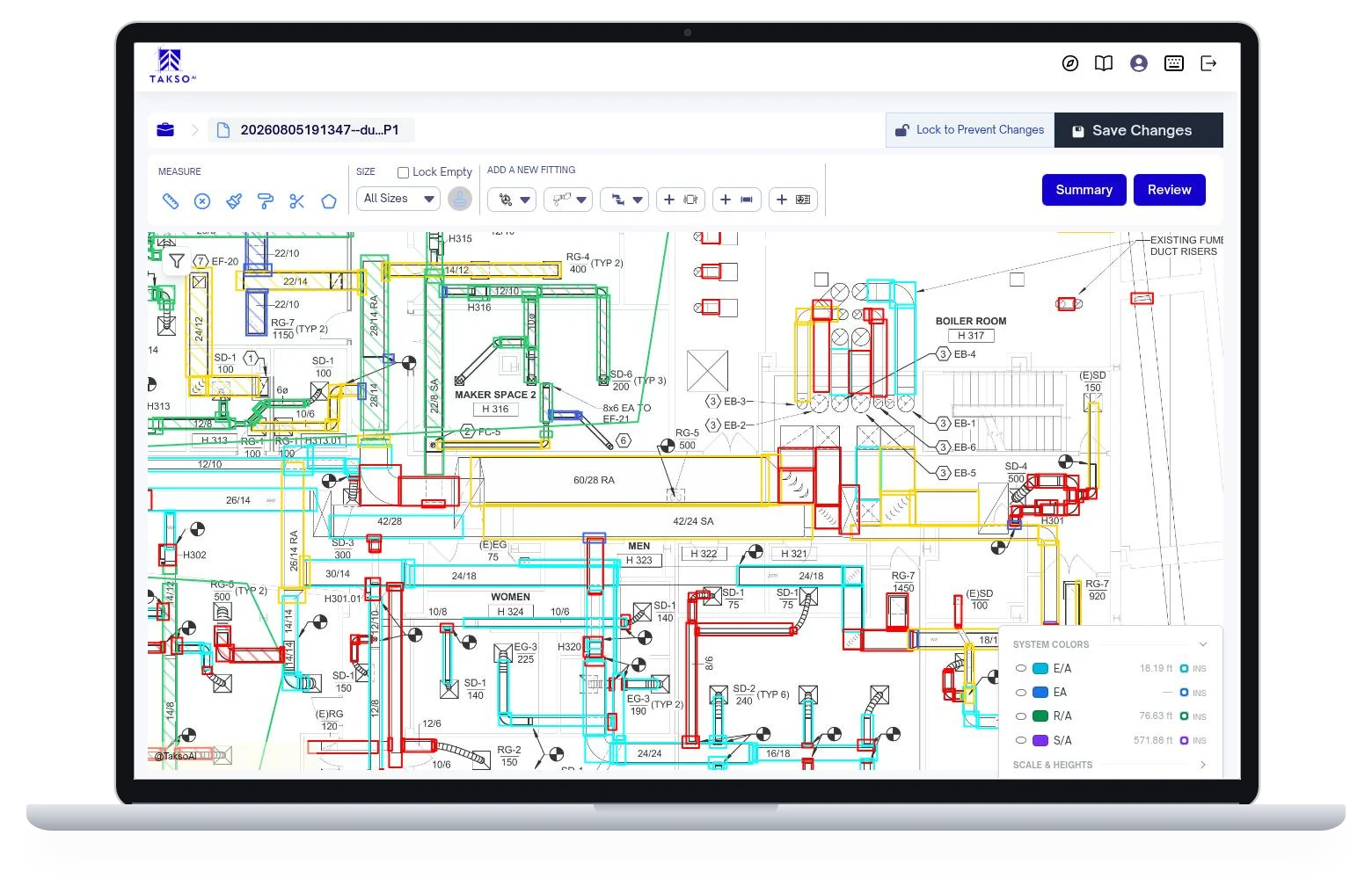


Get initial results in minutes
You make the final call
Spend less time tracing. Put your experience into checking scope, refining quantities, and pricing the work.
Built around your trade
Mechanical scope needs more than a general-purpose count. Explore the workflow for the work your team bids.
HVAC
Detect ductwork and fittings, then review lengths, sizes, and system details.
Plumbing
Take off pipe, fittings, and fixtures from your commercial plumbing drawings.
Piping
Review pipe systems and fitting quantities before exporting them for pricing.
Mechanical insulation
Organize insulation areas and conditions, then export to your pricing sheets.
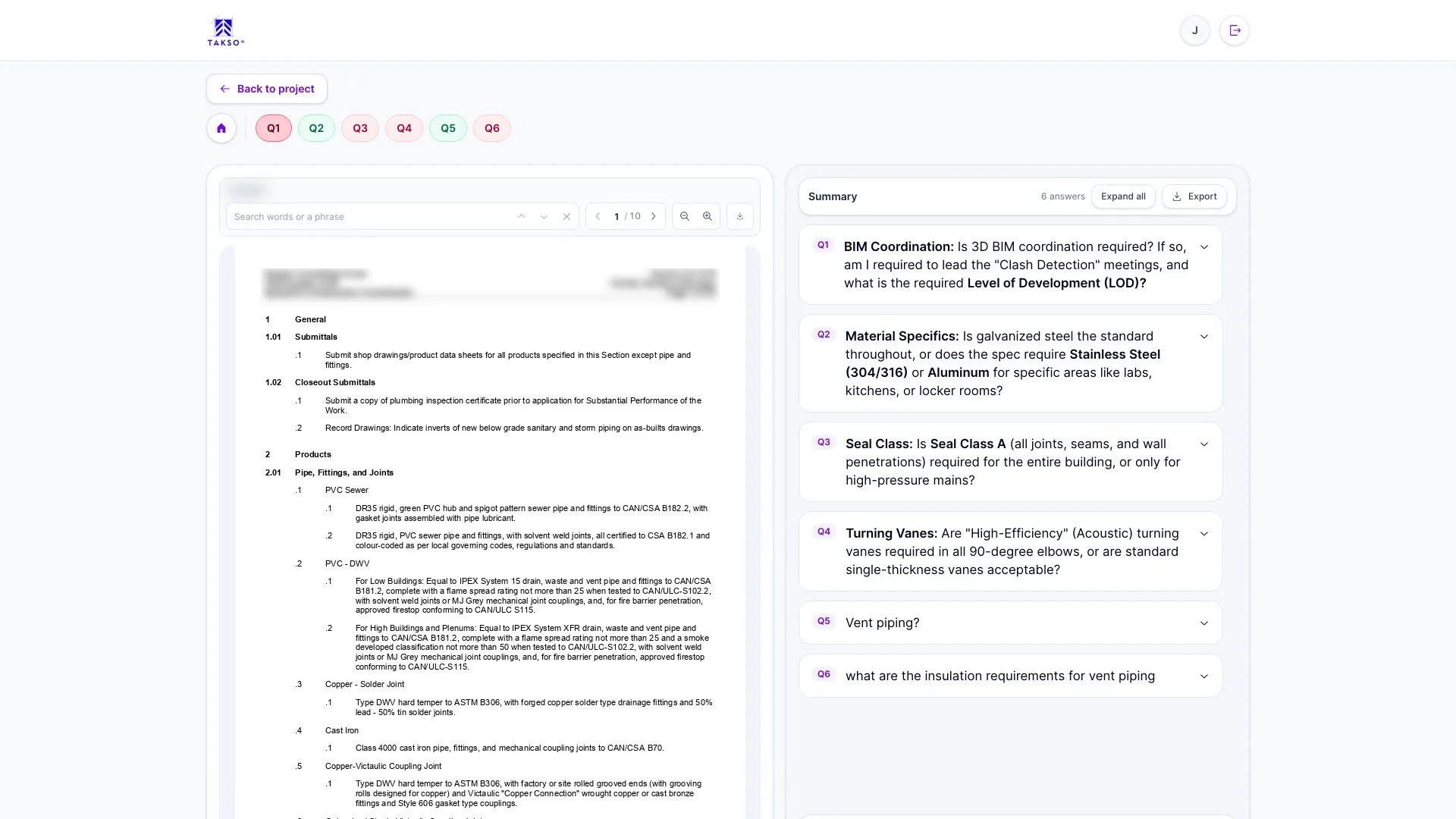
Before your first takeoff
What does TaksoAi take off?
TaksoAi supports mechanical takeoffs for HVAC, plumbing, and piping, including ductwork, pipe, fittings, fixtures, and equipment. Its mechanical insulation tools help contractors organize insulation areas and conditions. Check your specific scope with the team during a demo.
Can we review and change the AI results?
Yes. Your estimator reviews the detected scope on the drawing and can adjust quantities and fittings. AI handles the first pass. Your team remains responsible for the scope and quantities included in the bid.
Do we need to change our pricing process?
No. Export reviewed takeoff quantities to Excel or CSV, then apply your own material and labor pricing. Confirm the format your pricing sheets or estimating software require during a demo.
Does TaksoAi produce a fully priced estimate?
TaksoAi provides quantity takeoff inputs. Your team reviews those quantities and applies pricing through its own estimating workflow. Quantity takeoff and a complete priced estimate are different steps.
Do we need to install software?
No. TaksoAi is cloud-based and runs in your browser with an internet connection.
Is our plan data stored securely?
Yes. Each company's data gets its own environment.

See what changes in your next takeoff
Walk through detection, review tools, and exports with the TaksoAi team.